
The 2-Hour Tax Cleanup: How Small Businesses Can Organize a Year of Receipts Fast
March 25th, 2026 | Small Business Resources
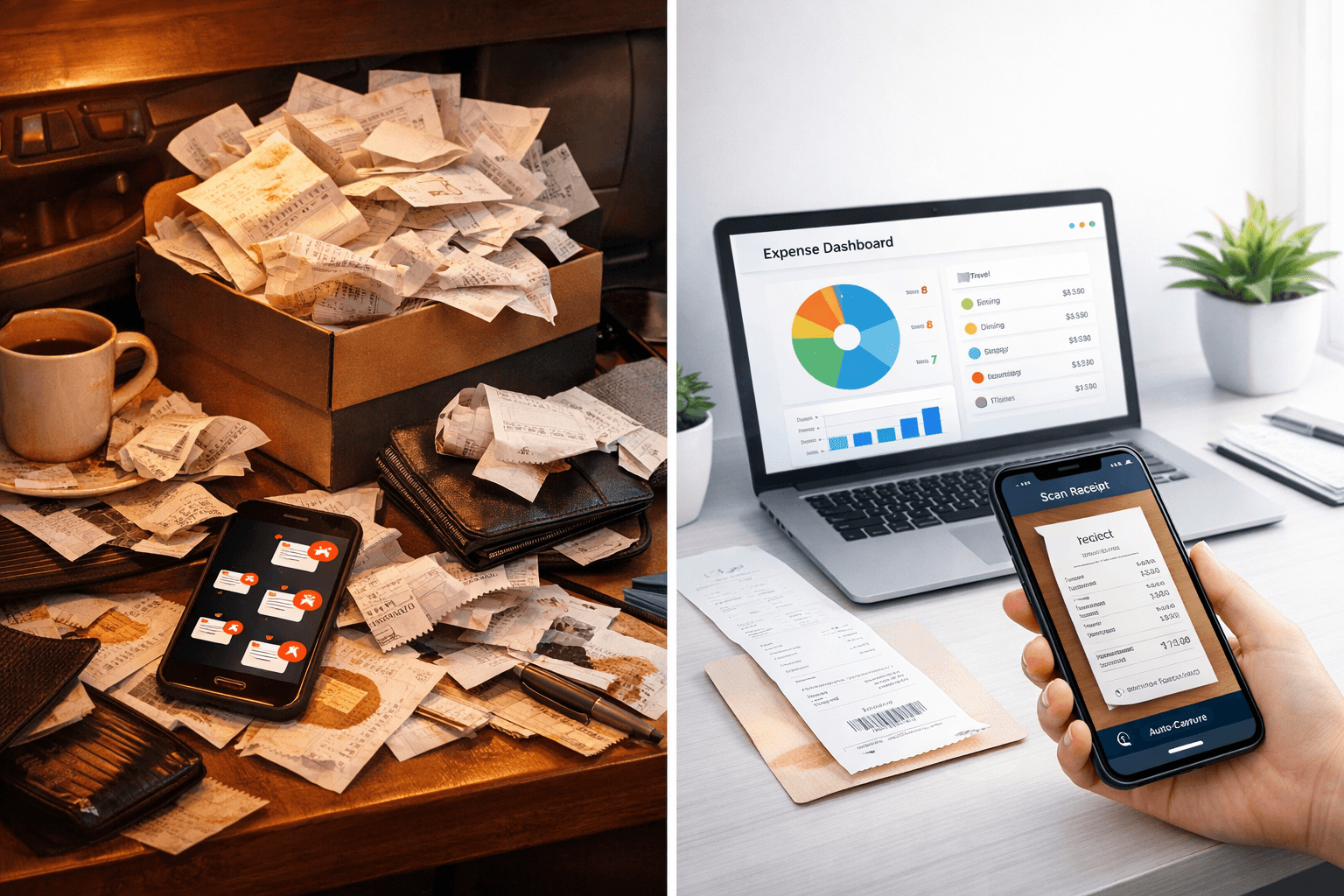
If tax season has crept up on you and your receipts are scattered across wallets, inboxes, desk drawers, and shoeboxes, you are not alone. Many small business owners start the year with good intentions, but client work, daily operations, and life itself tend to push expense tracking down the priority list.
The good news is that getting organized does not have to take days. With the right approach and the right tools, you can bring order to a year’s worth of receipts in about two hours.
This quick cleanup will not only help you file your taxes faster, it will also make it much easier for your accountant to prepare accurate reports and ensure you claim every deduction you are entitled to.
Here is a realistic two-hour workflow used by many organized small businesses.
Step 1: Gather Everything in One Place (15 Minutes)
Before you start organizing, collect every receipt and expense record you can find.
Look in common places such as:
- Your wallet or purse
- Desk drawers
- Email inbox receipts
- Screenshots on your phone
- Glove compartment receipts
- Online subscription confirmations
Do not worry about sorting yet. The goal is simply to gather everything into one central pile.
Once you have everything together, you are ready to digitize and organize it.
Step 2: Scan and Upload Receipts (30 Minutes)
The fastest way to organize receipts is to digitize them.
Using a receipt scanning tool like the Neat mobile app, you can quickly capture receipts with your phone camera. The software reads the information directly from the receipt, including:
- Vendor name
- Date of purchase
- Total amount
- Payment method
This process eliminates the need to manually type expense details into spreadsheets.
Digital capture also protects you if physical receipts fade or get lost. The IRS accepts digital copies as long as they are accurate and readable.
Within about thirty minutes, most small business owners can upload a large portion of their receipts.
Step 3: Let Automatic Categorization Do the Heavy Lifting (30 Minutes)
Once receipts are uploaded, modern expense management software can automatically categorize many transactions.
Instead of manually reviewing hundreds of expenses, automated systems can place them into common tax categories such as:
- Office supplies
- Travel and transportation
- Meals and entertainment
- Software subscriptions
- Equipment and technology
You can quickly review these categories and adjust anything that looks incorrect. Most of the heavy lifting is done for you.
This step dramatically reduces the time it normally takes to prepare financial records.
Step 4: Fill in the Gaps (20 Minutes)
After scanning and categorization, take a few minutes to check for missing items.
Look for:
- Expenses that appear on your credit card statements but do not have receipts
- Digital purchases such as online tools or subscriptions
- Business mileage that may not be logged yet
If you cannot find a receipt, bank or credit card records can still help confirm the expense. Adding these details now prevents confusion later when your accountant is preparing your return.
Step 5: Export a Tax-Ready Report (25 Minutes)
Once your receipts are categorized and verified, the final step is to generate a report for your accountant.
With Neat, you can export organized expense reports that summarize:
- Total expenses by category
- Individual transaction details
- Attached receipt images
- Date and vendor information
These reports can be shared directly with your accountant, making tax preparation significantly faster and more accurate.
Instead of sending folders of loose paperwork, you provide a clean, organized summary of your business expenses.
Why This Two-Hour Cleanup Matters
Waiting until the last minute to organize receipts creates unnecessary stress. It also increases the chance that deductions will be missed.
A quick cleanup session helps you:
- Capture every possible deduction
- Reduce back-and-forth with your accountant
- Prepare for tax filing or an extension
- Maintain records in case of an audit
Even better, once your receipts are organized digitally, staying organized throughout the year becomes much easier.
The Smarter Way to Handle Receipts Next Year
While a two-hour cleanup works in a pinch, the best long-term strategy is consistent weekly organization.
Many small business owners adopt a simple routine:
Spend ten minutes each week uploading receipts and reviewing expenses. This small habit prevents the end-of-year scramble entirely.
Instead of facing a mountain of paperwork every March, your financial records stay organized all year long.
Turn a Shoebox of Receipts into a Tax-Ready Report
If your receipts are currently scattered across drawers, inboxes, and wallets, it is not too late to get organized.
With Neat, you can scan receipts, automatically categorize expenses, and generate accountant-ready reports in a fraction of the time it takes to manage receipts manually.
Turn a shoebox of receipts into a tax-ready report.
Share This Article


Popular


March 9th, 2022


June 26th, 2020


August 23rd, 2022