
Why Saving Receipts Isn’t Enough (And Why It Always Leads to Tax-Time Stress)
March 9th, 2026 | Tax Time
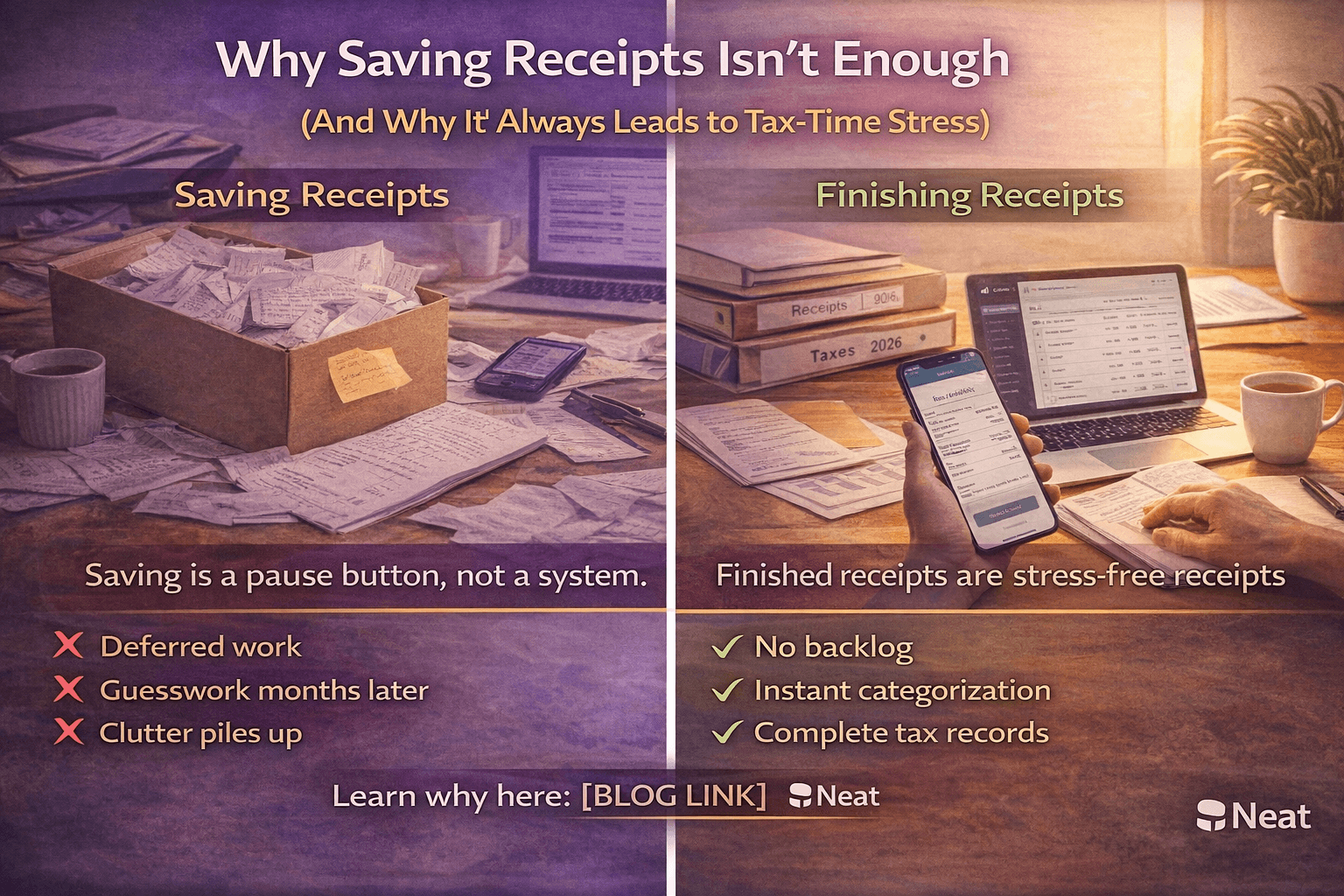
Saving receipts feels responsible.
You tuck them into a folder.
You email them to yourself.
You drop them into a drive called “Taxes.”
And yet… nothing ever feels finished.
That’s because saving receipts isn’t a system.
It’s a pause button.
For small business owners, freelancers, and contractors, this pause builds quietly over time — until tax season turns it into hours of sorting, guessing, and unnecessary stress.
Saving Is Not the Same as Organizing
A saved receipt still requires:
- Categorization
- Context (what was this for?)
- Matching to a transaction
- Explanation later
In other words, the work isn’t done.
It’s just deferred.
And deferred bookkeeping work doesn’t disappear.
It lingers — mentally, operationally, and financially.
Why “I’ll Sort It Later” Rarely Works
“Later” feels logical when you’re busy running a business.
But later assumes a few things that rarely hold up:
- You’ll remember the purchase context
- You’ll have uninterrupted time
- You’ll care as much then as you do now
In reality, context decays quickly.
A $47 charge from three months ago becomes a guessing game.
A stack of saved receipts becomes a reconstruction project.
And reconstruction is always more stressful than real-time organization.
Guessing Is the Real Source of Receipt Stress
Most receipt stress doesn’t come from the volume of expenses.
It comes from unfinished decisions.
When receipts aren’t handled at the time of capture, you’re left guessing:
- Was this a business or personal expense?
- Which category does it belong in?
- Do I have documentation if I’m audited?
That guessing leads to:
- Rework
- Doubt
- Slower bookkeeping
- Anxiety at tax time
The problem isn’t the receipt itself.
It’s the lack of a completed workflow.
What a Real Receipt System Actually Looks Like
A true receipt management system does more than store documents.
It completes the process.
An effective system includes:
- Immediate capture (mobile or upload)
- Automatic data extraction
- Smart categorization
- Secure storage for compliance
- Connection to transactions and books
When these steps happen in real time, there is no backlog to clean up later.
Why Small Businesses Struggle With Receipt Organization
Most small businesses don’t fail at saving receipts.
They fail at finishing them.
Common habits like:
- Saving receipts in email folders
- Saving them in the cloud
- Keeping physical envelopes or shoeboxes
Create the illusion of organization without actually reducing future work.
The result?
Clean-looking folders paired with messy books and last-minute tax prep.
How Neat Turns Receipt Saving Into Completed Work
Instead of asking you to manually organize receipts later, Neat is designed to finish the task at the moment of capture.
You capture the receipt.
Neat extracts the key data automatically.
Expenses are categorized and stored in the right place.
Documentation is connected to your financial records.
There is no pile to revisit.
No guessing months later.
No scramble before tax deadlines.
Just handled receipts.
The Hidden Benefit: Mental Clarity
Saving receipts keeps your brain involved.
Handled receipts let your brain move on.
When expenses are captured, categorized, and organized in one step, you eliminate the quiet mental checklist that follows unfinished admin work around all year.
Instead of thinking:
“I need to deal with that later.”
You can trust:
“It’s already handled.”
Final Thought: Stop Saving. Start Finishing.
Saving receipts feels productive in the moment.
But if they still need sorting, categorizing, and explaining later, the job isn’t done — it’s delayed.
A completed receipt system doesn’t just store documents.
It removes future work, reduces tax-time stress, and keeps your books clean year-round.
Because the goal isn’t to save receipts.
It’s to finish them once — and never think about them again.
Share This Article


Popular

September 23rd, 2026

March 9th, 2022


June 26th, 2020


October 2nd, 2026