
The Shoebox Test: If Your Receipts Look Like This, Your Taxes Aren’t Ready
April 10th, 2026 | Small Business Resources
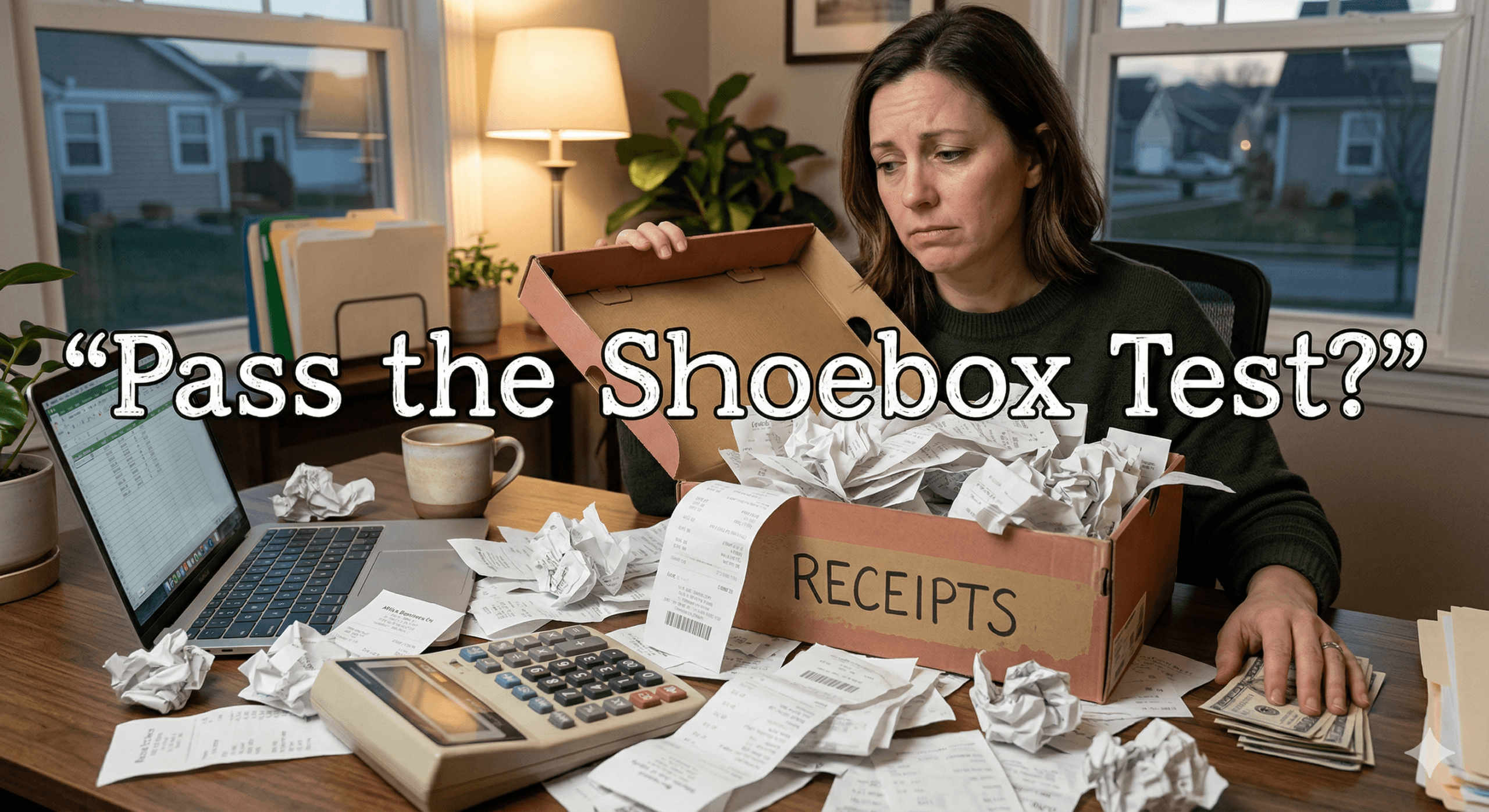
There is a simple way to tell whether your business is truly ready for tax season.
Open the place where you keep your receipts.
If you see a pile of crumpled paper, a crowded email inbox, and random screenshots scattered across your phone, your taxes probably are not as organized as you think.
Many small business owners operate this way during the year. Receipts accumulate wherever it is convenient at the moment. But when tax season arrives, that scattered system turns into a stressful search for documentation.
This is what we call the Shoebox Test.
If your receipts are stored like this, your records are not tax ready.
Let’s take a look at what that often looks like.
Wallet Receipts
Your wallet might be the most common place receipts end up during the year.
You grab lunch with a client. You pick up office supplies. You buy equipment at a local store. Each purchase produces a small paper receipt that gets folded and tucked away.
Weeks later, those receipts start fading, tearing, or disappearing entirely.
When tax time arrives, trying to read or categorize a stack of wrinkled receipts can take hours. Worse, some of the details may already be unreadable.
Paper receipts are easy to lose and difficult to manage long term.
Email Receipts
Many business purchases today are digital.
You order supplies online. You pay for advertising. You renew software subscriptions. Each of these transactions produces a receipt that lands somewhere in your email inbox.
The problem is that most inboxes contain thousands of messages. A receipt that arrived eight months ago can be almost impossible to locate unless you know exactly where to search.
Important deductions often remain buried in old emails simply because they are difficult to find.
Screenshots
When a receipt is not easily downloadable, many business owners take a screenshot.
This might include:
- Online purchase confirmations
- Payment confirmations from mobile apps
- Subscription renewals
- Digital invoices
At first, screenshots seem like a quick solution. But over time they accumulate in your phone’s camera roll alongside personal photos, making them difficult to locate when you actually need them.
When tax preparation begins, searching through hundreds of photos to find a single expense is not a productive use of time.
Glove Box Receipts
Your car can quietly become a mobile filing cabinet.
Fuel receipts, parking slips, toll records, and supply purchases often get tossed into the glove box for “later organization.”
Later usually becomes months.
By tax season, that glove box may contain dozens of receipts with no clear order or categorization.
Sorting through them takes time, and it is easy to miss expenses entirely.
Here’s What Tax-Ready Looks Like
Being tax ready does not mean keeping perfect records every day. It means having a system that captures receipts and organizes expenses as they happen.
Instead of receipts living in wallets, email folders, phones, and glove compartments, everything is stored in one place.
A tax-ready system typically includes:
- Digitized receipts that are easy to read
- Automatically categorized expenses
- Organized financial records
- Reports that summarize business spending
When your records are organized this way, tax preparation becomes much simpler. Your accountant receives clear reports instead of piles of paperwork, and you gain visibility into your business expenses throughout the year.
Neat helps small business owners turn scattered receipts into organized financial records. With the ability to scan receipts, capture digital purchases, and categorize expenses automatically, your documents stay organized from the moment they are created.
Share This Article


Popular

September 23rd, 2026

March 9th, 2022


June 26th, 2020


October 2nd, 2026