
Receipt-to-Transaction Matching: What It Is and Why It Matters
October 29th, 2026 | Accounting & Bookkeeping, Contractor Resources, Small Business Resources
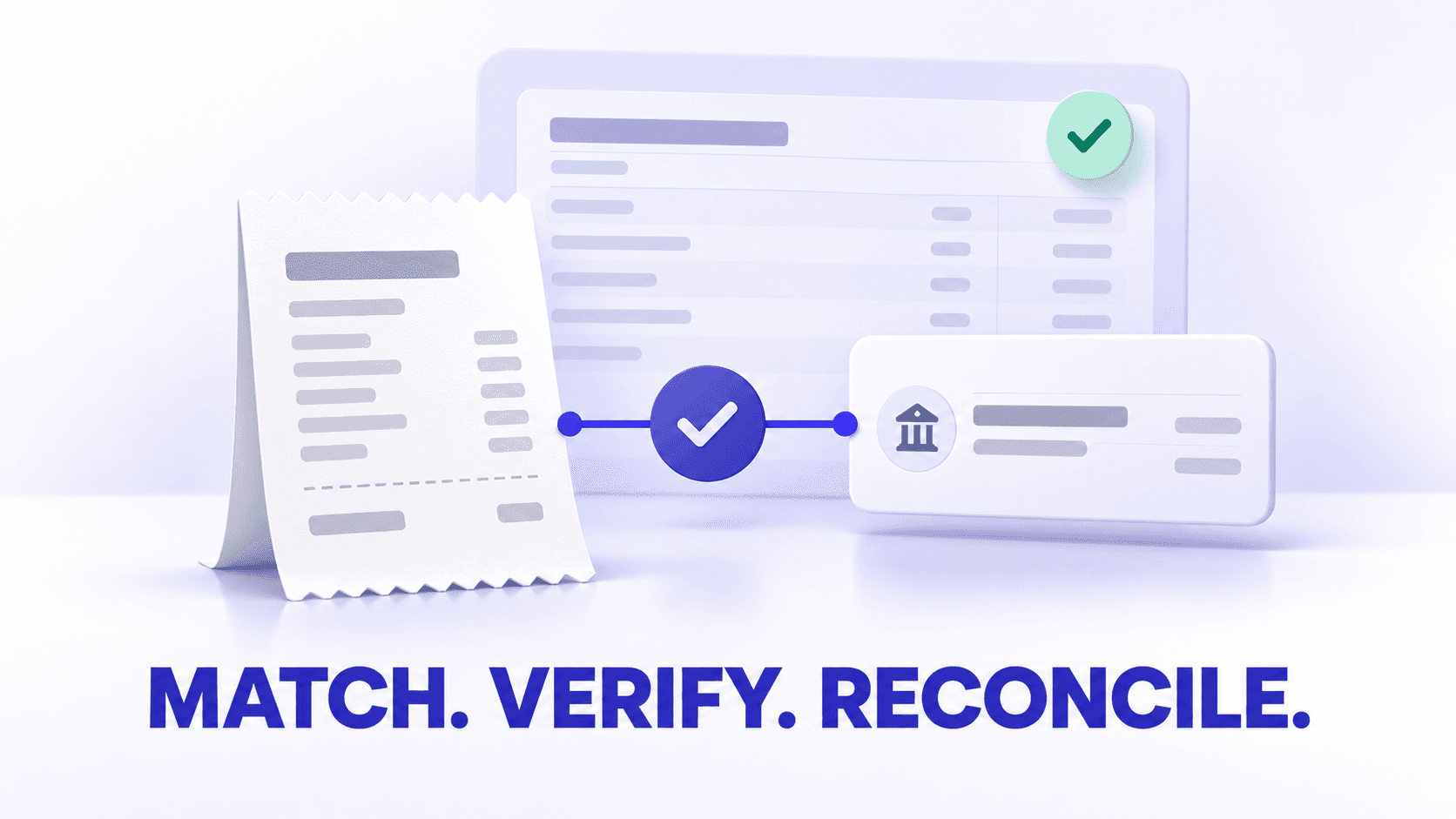
Matching a receipt to a transaction means connecting the receipt, invoice, or other source document with the corresponding charge recorded by a bank, credit card, or financial account.
The transaction shows that money moved. The receipt explains what was purchased, when the purchase occurred, who received the payment, and why the expense belongs in the business records.
For construction bookkeepers and contractor administrative teams, matching is also an opportunity to connect the purchase with the correct project, expense category, employee, customer, or service location. That context helps turn a basic bank charge into a complete bookkeeping record.
Quick answers
What does it mean to match a receipt to a transaction?
It means linking a receipt or other supporting document to the corresponding financial transaction. The records should agree on important details such as the amount, date, vendor, and payment account.
Why should a business match receipts with transactions?
Matching helps document the purpose of an expense, identify missing receipts, detect duplicate records, improve categorization, support reconciliation, and preserve evidence for bookkeeping and tax preparation.
What is the difference between transaction matching and bank reconciliation?
Transaction matching connects one financial transaction with its supporting document. Bank reconciliation compares an entire account’s internal records with a bank or credit card statement for a specific period.
Matching supports reconciliation, but the two processes are not the same.
Does a receipt automatically prove that a transaction is correct?
No. The receipt and transaction must belong together, and the bookkeeping information must still be reviewed. A matching amount alone does not prove that the vendor, category, project, or business purpose is correct.
What if a transaction does not require a receipt?
Use another appropriate supporting record, such as an invoice, bill, contract, payroll report, loan statement, bank notice, or written explanation. The appropriate documentation depends on the type of transaction.
How often should transactions be matched?
Match documents throughout the month when possible, then review unresolved transactions before completing the monthly reconciliation. This prevents missing information from accumulating.
What information does each record provide?
A bank or credit card transaction and a receipt describe different parts of the same financial event.
| Record | What it generally shows |
| Bank or card transaction | The account used, amount charged or received, posting date, and transaction description |
| Receipt | The vendor, purchase date, items or services purchased, subtotal, tax, tip, and total |
| Invoice or bill | What was purchased, payment terms, amount owed, customer or project, and due date |
| Bookkeeping record | The category, business purpose, project, customer, entity, tax treatment, and review status |
A bank transaction may show a charge to a hardware retailer, but it normally does not explain whether the purchase was lumber for a customer project, a replacement tool, office supplies, or a personal purchase.
The receipt provides the missing detail. The bookkeeping record then adds the business context needed for reporting.
How does matching receipts to financial transactions improve bookkeeping accuracy and expense tracking?
Matching creates a more complete record
A transaction without supporting documentation provides limited information. Connecting the receipt helps explain:
- What was purchased
- Who sold it
- When the purchase occurred
- How much tax was charged
- Who made the purchase
- Why it was a business expense
- Which project, customer, property, or department should receive the cost
This is especially important for contractors. Several charges from the same building-supply vendor may relate to different projects, equipment repairs, or general overhead.
Matching helps find missing receipts
An unmatched bank or card transaction creates a clear follow-up item. The bookkeeping team can ask the purchaser for the receipt while the transaction is still recent enough to remember.
Without matching, missing documentation may not be discovered until month-end, tax preparation, reimbursement review, or an audit.
Matching can expose duplicate records
Duplicate receipts can enter a system through mobile capture, email forwarding, scanning, and employee submissions.
Comparing documents with financial transactions can reveal that two receipt images support the same charge. The duplicate can then be removed or marked appropriately before it causes an expense to be recorded twice.
Matching supports more accurate expense categorization
A bank description often provides too little information to categorize a transaction confidently.
For example, a charge from a home-improvement retailer could represent:
- Materials for a specific renovation
- A capital equipment purchase
- Repair supplies
- Safety equipment
- Cleaning supplies
- Personal items purchased with the wrong card
The receipt lets the bookkeeper review the actual purchase instead of categorizing the transaction based only on the vendor.
Matching improves job-cost records
Contractor profitability depends on assigning costs to the correct job.
A matched receipt can help the bookkeeping team verify:
- The project or job number
- Materials versus equipment
- Billable versus nonbillable costs
- Reimbursable expenses
- The employee or subcontractor who made the purchase
- Whether the purchase should be split between projects
A bank feed can show that $684.27 was spent. The matching receipt explains that $590.12 was for Project 218 and $94.15 was for general shop supplies.
Matching makes monthly reconciliation more efficient
When supporting documents are already connected with transactions, the bookkeeper spends less time searching through inboxes, folders, vehicles, and paper files during month-end review.
Instead of reconstructing an entire month, the team can focus on exceptions:
- Missing documents
- Duplicate charges
- Unexpected amounts
- Personal transactions
- Refunds and credits
- Transactions assigned to the wrong account
- Charges that require additional explanation
How do receipt-to-transaction matching and bank reconciliation serve different purposes in maintaining accurate financial records?
Transaction matching works at the individual transaction level. Bank reconciliation works at the account and statement level.
| Transaction matching | Bank reconciliation |
| Connects a transaction with a receipt, invoice, bill, or other document | Compares internal records with a complete bank or credit card statement |
| Focuses on one financial event | Focuses on all activity during a statement period |
| Verifies the relationship between a charge and its supporting evidence | Verifies that recorded activity and ending balances agree |
| Helps explain what a transaction represents | Helps identify missing, duplicated, uncleared, or incorrectly recorded transactions |
| Can occur throughout the month | Is commonly completed for each account every month |
| Supports reconciliation | Does not replace reconciliation |
A receipt can be matched correctly while the account still fails to reconcile. For example, another transaction may be missing, duplicated, entered for the wrong amount, or recorded in the wrong account.
The reverse is also possible. Account totals may reconcile even though some individual expenses lack supporting documentation or have been categorized incorrectly.
Matching and reconciliation therefore answer different questions:
- Transaction matching asks: What document supports this transaction?
- Bank reconciliation asks: Do our records agree with the financial institution’s records for this account and period?
How does transaction matching reduce bookkeeping errors?
It reduces duplicate expense entries
One common mistake occurs when a receipt is entered manually and the corresponding bank-feed transaction is recorded as a separate expense.
Matching the receipt with the imported transaction shows that the records represent the same purchase, helping prevent the expense from being counted twice.
It catches incorrect amounts
Comparing the receipt total with the transaction amount can reveal:
- OCR errors
- Missing tips
- Partial refunds
- Currency differences
- Duplicate charges
- Incorrect manual entry
- A subtotal recorded instead of the final total
A small discrepancy may have a reasonable explanation, but it should still be investigated.
It helps identify incorrect dates
The purchase date, transaction date, and posting date are not always identical. Understanding the difference helps prevent valid transactions from being treated as missing or duplicated.
For matching purposes, check nearby dates when:
- A weekend delays posting
- An online order is charged when shipped
- A restaurant adjusts the final amount for a tip
- A hotel places a temporary authorization
- A vendor processes the payment later
It makes personal transactions easier to identify
If a receipt shows personal items, the bookkeeping team can mark the transaction appropriately instead of treating the full amount as a business expense.
For mixed purchases, the business portion may need to be separated from the personal portion according to the organization’s bookkeeping policy.
It creates a review trail
A matched and reviewed transaction tells the next person handling the books that someone has already connected the financial activity with its supporting evidence.
That can reduce repeated work between:
- Field employees
- Project coordinators
- Administrative staff
- Bookkeepers
- Accountants
- Tax professionals
A contractor transaction-matching example
A project manager purchases materials for a residential remodeling job using the company credit card.
The bookkeeping system receives this transaction:
- Bank description: Building Supply Store
- Posting date: October 7
- Amount: $842.19
The project manager submits a receipt showing:
- Purchase date: October 6
- Vendor: Building Supply Store, Location 14
- Materials: Drywall, fasteners, and joint compound
- Total: $842.19
- Job: Residential Remodel 246
The bookkeeper confirms that the vendor, amount, date, and payment account are consistent. The receipt is then matched with the transaction, categorized as project materials, and assigned to Residential Remodel 246.
The posting date is one day later than the receipt date, but that does not prevent the match because delayed posting is common.
The resulting record shows not only that the money left the account, but also why it was spent and which project should receive the cost.
What records should support a reconciled transaction?
The supporting document should explain the nature and business purpose of the transaction. Depending on the activity, appropriate records may include:
- Itemized receipts
- Vendor invoices
- Paid bills
- Purchase orders
- Customer invoices
- Deposit records
- Canceled checks
- Credit card statements
- Bank statements
- Contracts or service agreements
- Payroll reports
- Loan statements
- Mileage logs
- Petty-cash slips
- Refund or credit notices
- Written business-purpose notes
A bank or credit card statement may prove that a payment occurred, but it may not provide enough detail to explain what was purchased or why it was business-related.
The IRS explains that a small business may use any recordkeeping system that clearly shows its income and expenses, including an electronic system. It identifies receipts, invoices, paid bills and other documents as supporting records that should be kept orderly and secure. A consistent receipt-capture routine helps ensure those records are available for bookkeeping and tax preparation. IRS: What kind of records should I keep?
Does every transaction need a receipt?
Not every transaction produces a traditional store receipt. The goal is to retain the supporting documentation appropriate for the transaction.
| Transaction | Possible supporting record |
| Material purchase | Itemized receipt or vendor invoice |
| Utility payment | Utility bill |
| Insurance payment | Policy invoice or statement |
| Loan payment | Loan statement or payment schedule |
| Payroll withdrawal | Payroll register |
| Bank fee | Bank statement or account notice |
| Customer deposit | Customer invoice and deposit record |
| Owner contribution | Transfer record and explanatory note |
| Refund | Credit memo, refund receipt, or vendor email |
| Electronic subscription | Emailed receipt or account invoice |
| Cash purchase | Receipt, petty-cash record, and business-purpose note |
When no external document exists, add an explanation that identifies what the transaction represents and why no receipt was expected.
What if the receipt and transaction do not match exactly?
A mismatch should be investigated before the records are connected.
Common explanations include:
A tip was added
A restaurant receipt may initially show a subtotal before the final tip is processed. Use the completed receipt showing the final total when available.
A temporary authorization was replaced
Hotels, fuel stations, and rental providers may place a temporary authorization that differs from the final settled transaction.
A refund or credit was issued
The original purchase and later refund may appear as separate transactions. Retain documentation for both.
One purchase produced multiple charges
Online orders may be charged as individual items ship. One order confirmation or invoice may therefore support several related transactions.
Several purchases were combined into one payment
A vendor statement or batch payment may combine multiple invoices. Retain the individual invoices and documentation showing how they connect with the payment.
The receipt contains business and personal items
The business portion may need to be separated and documented rather than matching the entire receipt total as a deductible business expense.
The wrong receipt was selected
Two purchases from the same vendor can have similar dates or totals. Compare all available information before confirming the match.
Do not change a valid receipt or transaction simply to force the amounts to agree. Document the reason for the difference.
A practical matching and reconciliation workflow
1. Capture the supporting document
Photograph, scan, upload, or forward the receipt as soon as possible. Review the image to make sure the total, date, vendor, and purchased items are readable.
Our guide to capturing paper, email, mobile, and cash receipts explains how to create a consistent intake process.
2. Review the extracted information
Confirm the vendor, purchase date, amount, category, and other extracted information. Correct inaccurate OCR results before attempting to match the document.
3. Add business context
Record information the receipt cannot determine automatically, such as:
- Project or job
- Customer
- Service location
- Employee
- Business purpose
- Reimbursement status
- Billable status
4. Locate the financial transaction
Search the connected bank, credit card, or cash account. Consider both the purchase date and posting date.
5. Compare the records
Verify the amount, vendor, date range, payment method, currency, and account.
6. Confirm the match
Link the receipt or other supporting document with the correct transaction. Do not confirm a suggested match until the records have been compared.
7. Resolve exceptions
Investigate differences, missing documents, duplicate records, personal purchases, refunds, and transactions that require additional context.
8. Complete monthly reconciliation
After matching the available documents, compare the complete account activity and ending balance with the bank or card statement. Review any remaining discrepancies before closing the month.
For an effective year-round process, see How to Maintain an Organized Receipt System All Year.
How we help with transaction matching and monthly review
With Neat, you can connect supported financial accounts and stream transactions into one organized workspace. Receipts, invoices, bills, and statements stored in your File Cabinet can then be matched with corresponding transactions.
Our suggested transaction-matching tools compare information such as the transaction date, amount, and vendor to identify possible supporting documents.
Neat does not automatically confirm a match for you. You select and save the correct document after reviewing the suggestion. If none of the suggestions are correct, you can search your File Cabinet or attach another document.
During Monthly Review, you can:
- Review activity by connected account and month
- Match receipts and invoices with transactions
- Identify records that still need attention
- Investigate missing supporting documents
- Mark reviewed transactions
- Track progress toward completing the period
Matching the source documents first helps make the broader reconciliation process more organized and focused on unresolved exceptions.
Turn bank activity into complete financial records
A bank transaction tells you that money moved. A matched receipt or invoice explains the transaction. Reconciliation confirms that the complete set of account records agrees with the financial institution.
Using all three elements together creates a stronger bookkeeping workflow:
- Capture the supporting document.
- Match it with the corresponding transaction.
- Review the accounting details.
- Reconcile the complete account each month.
- Investigate anything that remains unresolved.
For contractor bookkeeping teams, this process helps preserve job-level information, reduce duplicate expenses, find missing receipts, and prepare more reliable financial records.
Start using Neat to organize supporting documents and match them with transactions.
This article provides general educational information and is not tax, accounting, or legal advice.
Share This Article


Popular

September 23rd, 2026

March 9th, 2022


June 26th, 2020


October 2nd, 2026